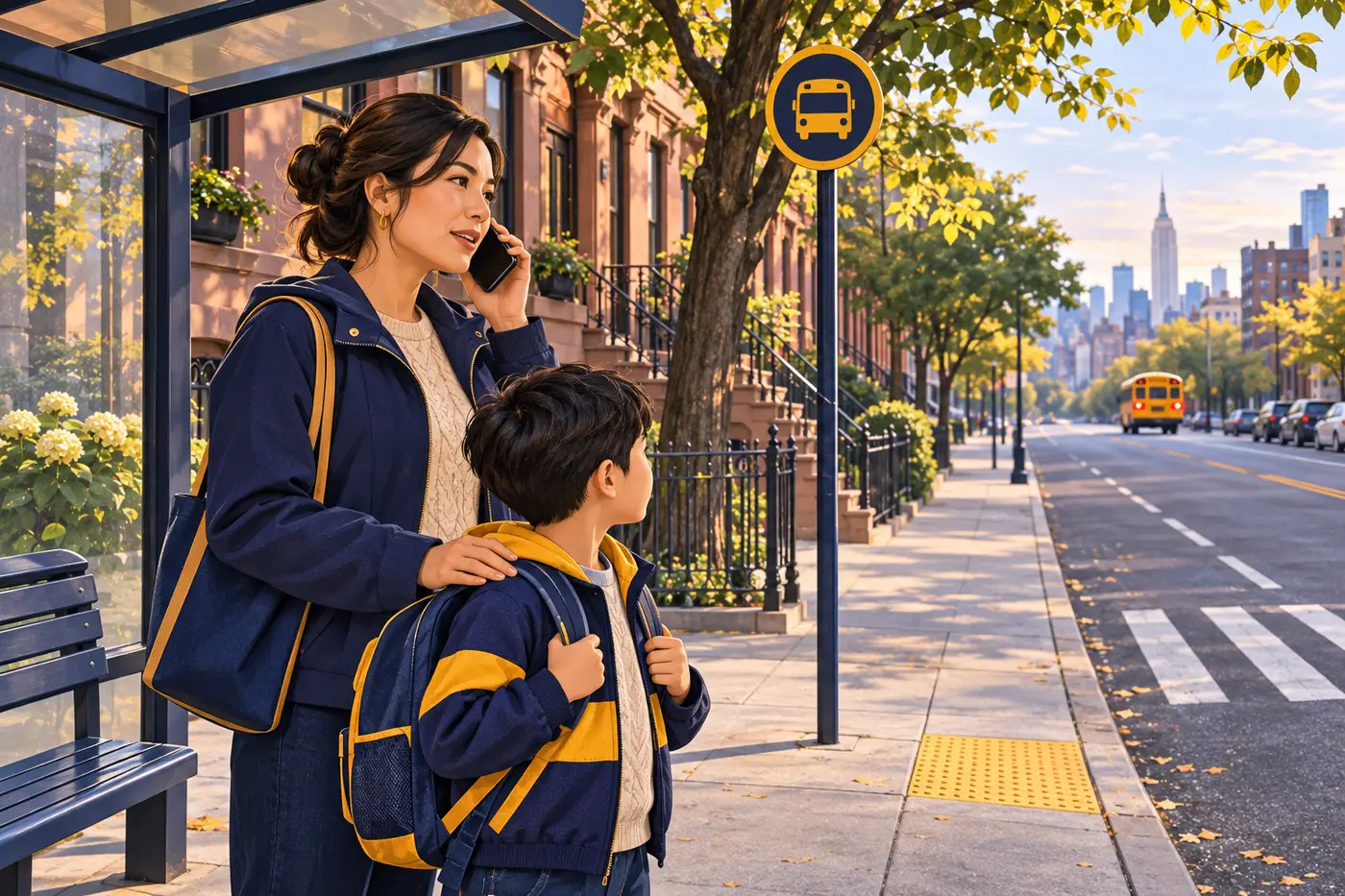
School bus
School bus app alerts: what families should verify before the route
Use the bus-tracking app as one source, then confirm the assigned stop, route, authorized contacts, and school instructions.
Original editorial illustration; not a photograph of Cathay operations.
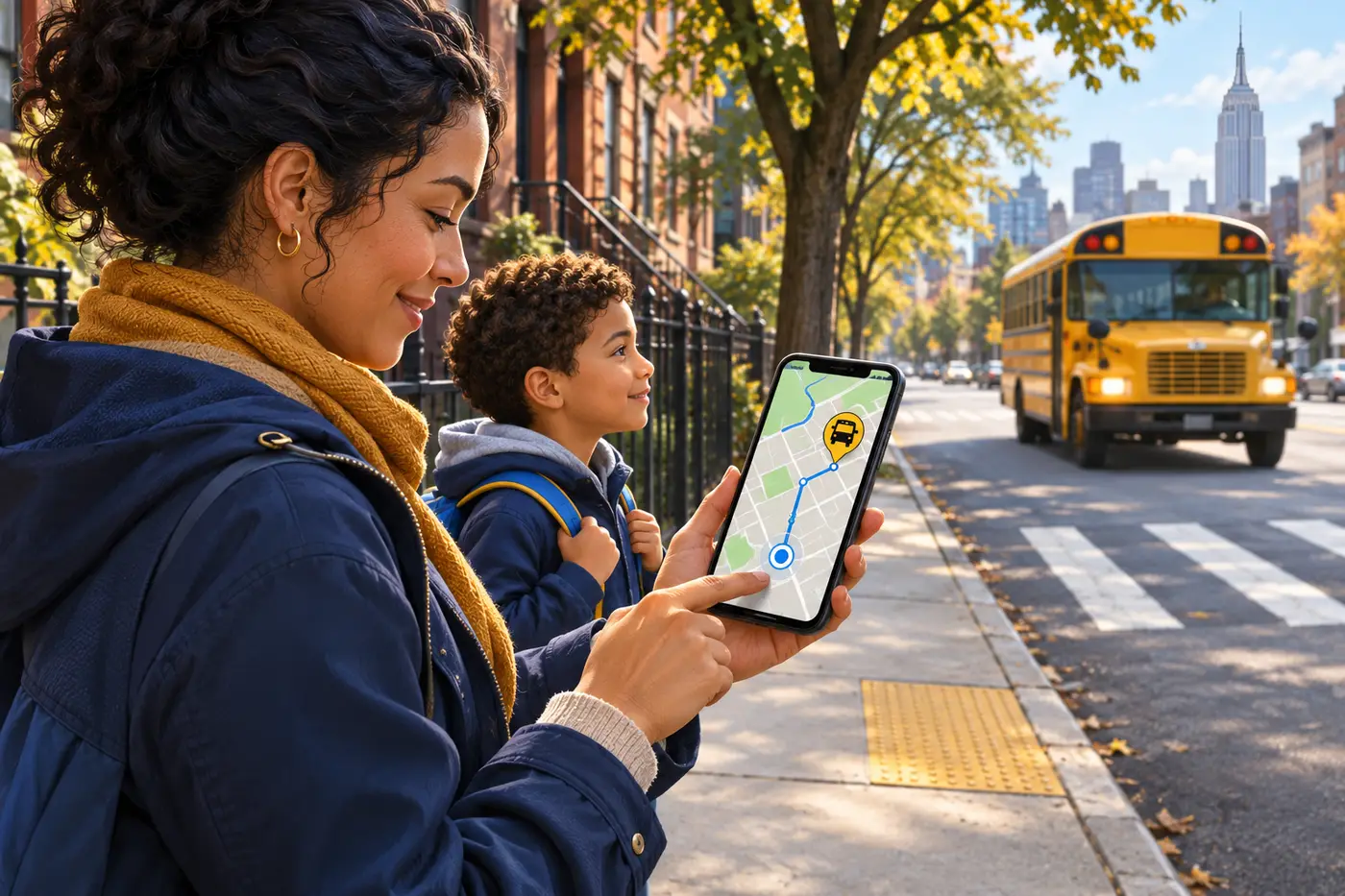
A bus-tracking app can help a caregiver see route information, but it does not replace the student's official assignment or the school's transportation instructions. A reliable morning plan combines current account details with the correct stop, contact numbers, and a safe handoff routine.
Set up the official account before you need it
New York City Public Schools says eligible families use their NYC Schools Account credentials to access the NYC School Bus App. Confirm that the student is linked correctly and that caregiver contact information is current.
If the student, route, or app access is missing, contact the school or parent coordinator rather than creating a second account or guessing at a route.
Further readingNYC Public Schools: NYC School Bus App (opens in a new tab)Verify the assignment, not only the moving map
Before leaving home, confirm the assigned stop or curb location, pickup window, bus or route identifier, and school. A map position can be delayed or unavailable, so use the school's stated instructions when the display and assignment do not match.
Stand at the approved location with enough time to be ready. Do not cross traffic or chase a moving bus because an icon appears nearby.
Build a contact ladder
Save the school transportation contact and the bus company's number supplied for the route. Decide which caregiver will handle an alert so the driver, school, and dispatcher do not receive conflicting instructions.
Report repeated lateness, a missing assignment, or an incorrect stop through the official school transportation channels. For an immediate emergency, use emergency services.
- Student and route visible in the correct account.
- Assigned pickup and drop-off locations confirmed.
- Authorized adult and emergency contacts current.
- Phone charged, notifications enabled, and backup contact saved.
Teach the child the plan too
Review who may meet the child, where the child waits, and what to do if the expected adult or bus is not present. The app supports communication; the child's practiced safety routine remains essential.
Your next step
Build a clearer school transportation plan
Connect with our team to discuss your needs and the available arrangements.